
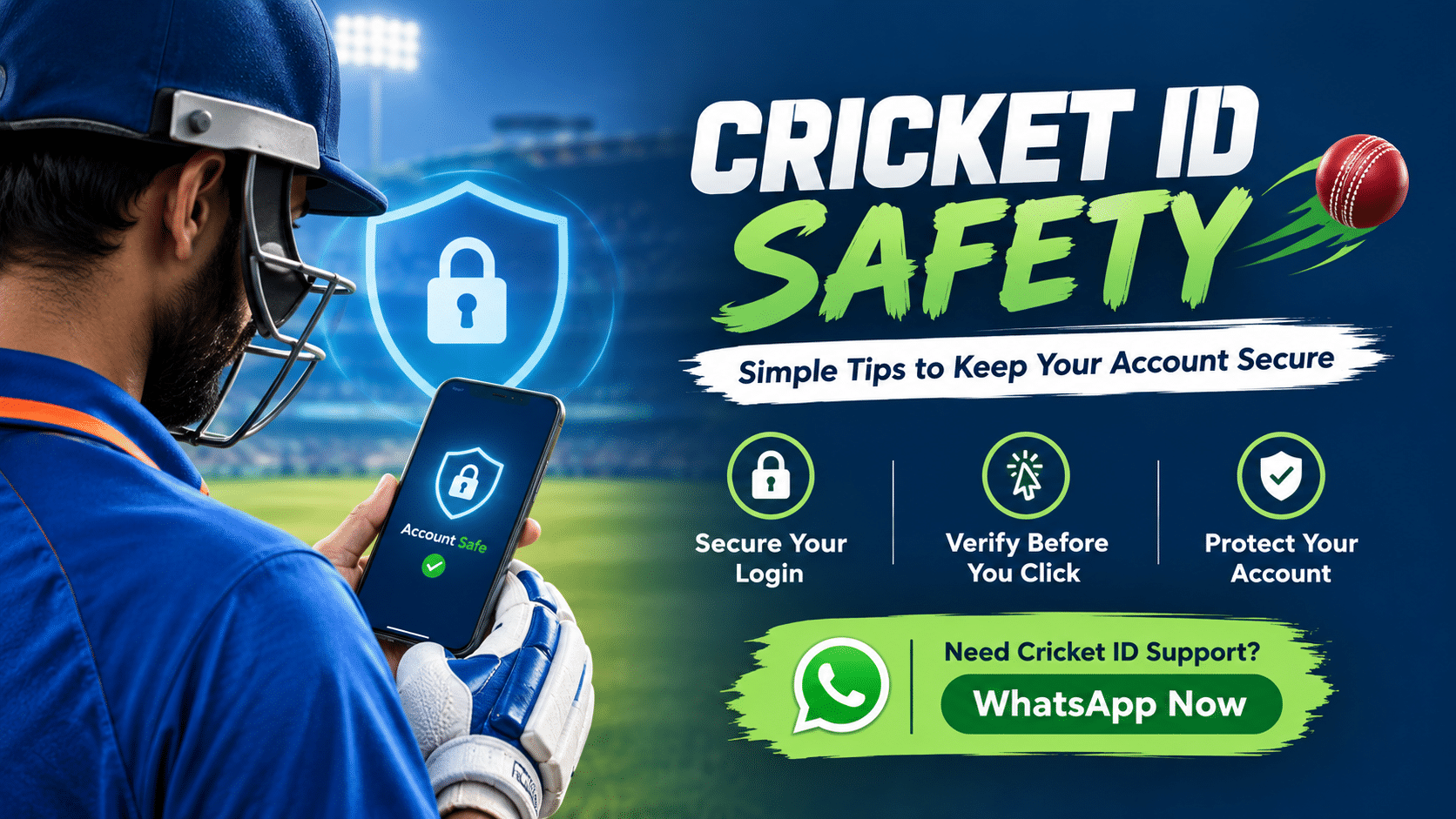
Cricket ID Safety: A Practical Guide to Staying Secure Online
Getting a Cricket ID is only the first step. Knowing how to use and protect that account safely is just as important.
Whether you are looking for an online Cricket ID, comparing different providers, or already have an account, basic security habits can help you avoid common problems such as fake websites, suspicious links, account-access issues and unsafe payment requests.
At Shyam Cricket ID, we understand that people often have questions before creating or using an account. That is why our approach is simple: users should know what they are signing up for, how to protect their account information and how to identify warning signs before sharing personal or payment details.
This guide explains the practical side of Cricket ID safety without unnecessary technical language.
What Does Cricket ID Safety Mean?
Cricket ID safety is about protecting your account, personal information and payment details while using an online cricket-related platform.
It involves several things:
- Choosing the correct website or provider
- Checking the website address before logging in
- Keeping login credentials private
- Avoiding unknown links and downloads
- Using secure passwords
- Confirming payment information carefully
- Contacting support through the correct channel
- Recognising suspicious offers or requests
- Understanding the terms and conditions of the service
A safe experience does not depend on one feature. It comes from several small precautions working together.
If you are still looking for an account, you can first learn more about how an Online Cricket ID works before creating one.
Why Cricket ID Safety Matters
People generally focus on how quickly they can create an account or access a service. Security is often considered later.
That can be a mistake.
An online account may contain login credentials, contact information and transaction-related information. If those details are shared carelessly, users can face avoidable problems.
For example, a person may receive a message claiming to be from a Cricket ID provider and asking them to:
- Share an OTP
- Send their password
- Click an unfamiliar login link
- Install an unknown application
- Transfer money to an unverified account
- Share screenshots containing sensitive information
A legitimate support process should not require users to casually hand over private credentials.
The basic rule is simple:
Never share information just because someone claims to represent a Cricket ID provider. Verify the source first.
1. Check the Website Before Entering Your Login Details
One of the easiest security habits is also one of the most important.
Before entering your username, password or other account information, look carefully at the website address.
Fake websites can sometimes use names, logos and designs that look similar to genuine services.
Check:
- The spelling of the domain
- HTTPS connection
- Whether you reached the website from an expected source
- Whether the website suddenly redirects you somewhere else
- Whether the page is asking for unusual information
Do not assume that a website is genuine simply because it looks professional.
If you have bookmarked your regular login page, using the saved address can also reduce the chance of accidentally opening a misleading link.
2. Keep Your Password Private
Your password should remain private.
Do not send your password to another person through WhatsApp, Telegram, social media or email simply because they say they are helping with your account.
A support representative may need account-related information to identify an issue, but that does not mean your password should be casually shared.
A good password should:
- Be difficult to guess
- Avoid obvious personal information
- Not be reused everywhere
- Be changed if you believe it has been exposed
If you use the same password across multiple websites, one compromised account can create problems elsewhere.
3. Never Share OTPs Without Understanding Why They Are Being Requested
OTP messages are designed to confirm specific actions.
If you receive an OTP unexpectedly, stop and check what action generated it.
Do not automatically forward an OTP to someone who says:
“Send me the code so I can activate your account.”
Instead, verify what the OTP is for.
If you did not initiate the action, treat the unexpected OTP as a warning sign.
4. Be Careful With WhatsApp and Telegram Messages
Many Cricket ID users communicate with providers or support teams through messaging applications.
That can be convenient, but it also means users should verify who they are speaking with.
Before continuing a conversation, check:
- Is this the contact information published by the provider?
- Did you initiate the conversation?
- Does the person ask for your password or OTP?
- Are they sending shortened or suspicious links?
- Are they asking for payment through an unfamiliar route?
- Are they pressuring you to act immediately?
At Shyam Cricket ID, users can contact the relevant support team through the available contact channel when they need assistance with their account.
However, users should always verify that they are communicating through the correct official contact before sharing sensitive information.
5. Understand the Difference Between Support and Account Access
A common mistake is giving too much access to someone who claims to be providing support.
Support should help you understand or resolve an issue. It should not automatically mean another person needs unrestricted access to your private information.
For example, there is a significant difference between:
Reasonable support:
“Please provide your registered username so we can identify your account.”
and:
Sensitive request:
“Send your password and OTP so we can log in for you.”
The second type of request deserves much more scrutiny.
When in doubt, stop and verify.
6. Check Payment Details Carefully
Payment safety is another important part of Cricket ID security.
Before making any payment, carefully check the details provided to you.
Do not rely solely on:
- A screenshot
- A forwarded message
- A random social media post
- An unknown WhatsApp number
- A payment address copied from an old conversation
If payment details have suddenly changed, verify them through the provider’s recognised support channel before proceeding.
Keep transaction records where appropriate so you can refer back to them if there is a dispute or account-related issue.
You can also read our Cricket ID Provider guide to understand what information you should consider before choosing a provider.
7. Learn How to Recognise a Fake Cricket ID Website
A fake website may imitate the branding of another platform.
Some warning signs include:
Unusual domain names
The website address may contain extra characters, unusual spellings or a domain that does not match the name being advertised.
Excessive promises
Be cautious when a website makes unrealistic or absolute promises about results, money, withdrawals or account performance.
Pressure to act immediately
Messages such as “pay right now,” “limited account activation,” or “send details immediately” should encourage you to verify the information rather than act blindly.
Poor-quality pages
Broken links, copied text, inconsistent branding and missing basic information can be warning signs.
None of these signs alone proves that a website is fraudulent, but several together should make you more cautious.
8. Do Not Download Unknown Files
You may sometimes receive APK files, applications, documents or other downloads through messaging apps.
Do not install unknown software simply because someone claims it is required for your Cricket ID.
Unknown applications can create security and privacy risks.
If an application is genuinely required, first confirm:
- Who developed it
- Where it came from
- Why it is required
- What permissions it requests
- Whether the source is trustworthy
For normal account access, users should avoid installing unnecessary software simply because someone sends them a download link.
9. Use Your Own Device When Possible
If you regularly access your Cricket ID, using your own phone or computer can provide better control over your login information.
Be particularly careful when using:
- Public computers
- Shared devices
- Someone else’s phone
- Unsecured Wi-Fi
- Unknown browsers
If you must use a shared device, avoid saving passwords and remember to log out completely after finishing.
10. Keep Your Phone and Browser Updated
Security is not only about the Cricket ID website.
Your device and browser also matter.
Keep your operating system, browser and security software updated where possible. Updates frequently include security fixes that address known vulnerabilities.
Also use a screen lock on your phone so that another person cannot easily access your accounts if your device is lost or left unattended.
11. Be Careful With Screenshots
Screenshots can accidentally reveal sensitive information.
Before sending a screenshot to support, check whether it contains:
- Passwords
- OTPs
- Bank details
- Full payment information
- Personal identification details
- Private messages
- Account recovery information
If support only needs to see a particular error, crop the screenshot so that unnecessary private information is not visible.
12. What Should You Do If You Suspect Your Account Is Compromised?
If you believe someone else may have accessed your account, do not continue sharing information with the person who contacted you.
Instead:
- Stop using suspicious links.
- Change your password if possible.
- Review recent account activity.
- Check whether your contact details have changed.
- Contact the provider through its recognised support channel.
- Review any recent payment or transaction activity.
- Secure your email and other accounts if the same password was reused elsewhere.
If financial information may have been exposed, contact the relevant financial service promptly using its official contact information.
13. How to Choose a Safer Cricket ID Provider
Choosing a provider should not be based only on advertisements or promises.
Before using a service, look at practical factors such as:
Clear information
The provider should explain the account process rather than leaving users dependent on vague messages.
Accessible support
There should be a clear way to contact the support team when an account-related issue occurs.
Transparent terms
Users should be able to understand relevant account, payment and service conditions before proceeding.
Consistent contact information
The website and official communication channels should not constantly direct users to unrelated contacts.
Security awareness
A responsible provider should encourage users to protect passwords, OTPs and other sensitive information.
At Shyam Cricket ID, our goal is to keep the account process straightforward and provide users with a clear support route when they need help.
For users comparing providers, our Cricket ID Provider page provides additional information about the provider side of the process.
14. Common Cricket ID Safety Mistakes
Even experienced users can make simple mistakes.
Here are some of the most common ones:
Using the same password everywhere
One exposed password can affect multiple accounts.
Clicking every link received through WhatsApp
A message appearing to come from support does not automatically make the link safe.
Sharing OTPs
OTP codes should be treated as private security information.
Trusting screenshots as proof
Screenshots can be edited or taken out of context.
Using unofficial contact numbers
Always verify the support channel before discussing account or payment issues.
Ignoring unusual account activity
Unexpected login messages or account changes should be investigated.
Acting under pressure
Security decisions should not be rushed simply because someone claims an offer or account action is urgent.
Cricket ID Safety Checklist
Before using your account, keep this checklist in mind:
- Verify the website address.
- Use a strong and unique password.
- Never casually share your password.
- Never share an OTP with an unknown person.
- Verify support contacts.
- Check payment details before sending money.
- Avoid unknown applications and downloads.
- Do not click suspicious links.
- Keep your phone and browser updated.
- Review screenshots before sending them.
- Keep transaction records where appropriate.
- Contact recognised support if something looks unusual.
These habits take only a few minutes but can prevent many avoidable account-security problems.
Final Thoughts on Cricket ID Safety
A Cricket ID should not be viewed only as a username and password. It is an online account that should be handled with the same basic security awareness you would apply to other online services.
The most important habits are straightforward: verify the website, protect your password, keep OTPs private, check payment information, avoid suspicious links and confirm that you are communicating with the correct support channel.
If you are considering getting an online Cricket ID, take some time to understand the provider and account process before proceeding.
Shyam Cricket ID provides users with an account-support route for Cricket ID-related queries. If you need information about getting an account, you can explore our Online Cricket ID guide or learn more about Cricket ID Providers.
Use online services carefully, understand the relevant terms, and make security part of your normal account routine.
Frequently Asked Questions
How can I identify a fake Cricket ID website?
Check the domain carefully, look for unusual redirects or spelling, verify contact information and be cautious of unrealistic promises or pressure to make an immediate payment.
Is using WhatsApp for Cricket ID support safe?
The messaging application itself does not guarantee that the person contacting you is genuine. Always verify that the WhatsApp contact belongs to the provider before sharing account-related information.
What should I do if I clicked a suspicious Cricket ID link?
Stop entering information, close the page and review whether you submitted any credentials. If you entered a password, change it as soon as possible and contact the relevant provider through its recognised support channel.
How can I make my Cricket ID account more secure?
Use a unique password, protect your OTPs, avoid suspicious links, keep your device updated and communicate with support only through verified channels.
What should I check before choosing a Cricket ID provider?
Look for clear account information, transparent service terms, consistent contact details and an identifiable support process. Avoid choosing a provider solely because of aggressive promotional claims.